
FiveM & RedM Server Backup Tool Server Controller
A standalone Windows app that schedules database and file backups, updates txAdmin hands-free and manages your server remotely, with Discord notifications and a live dashboard.
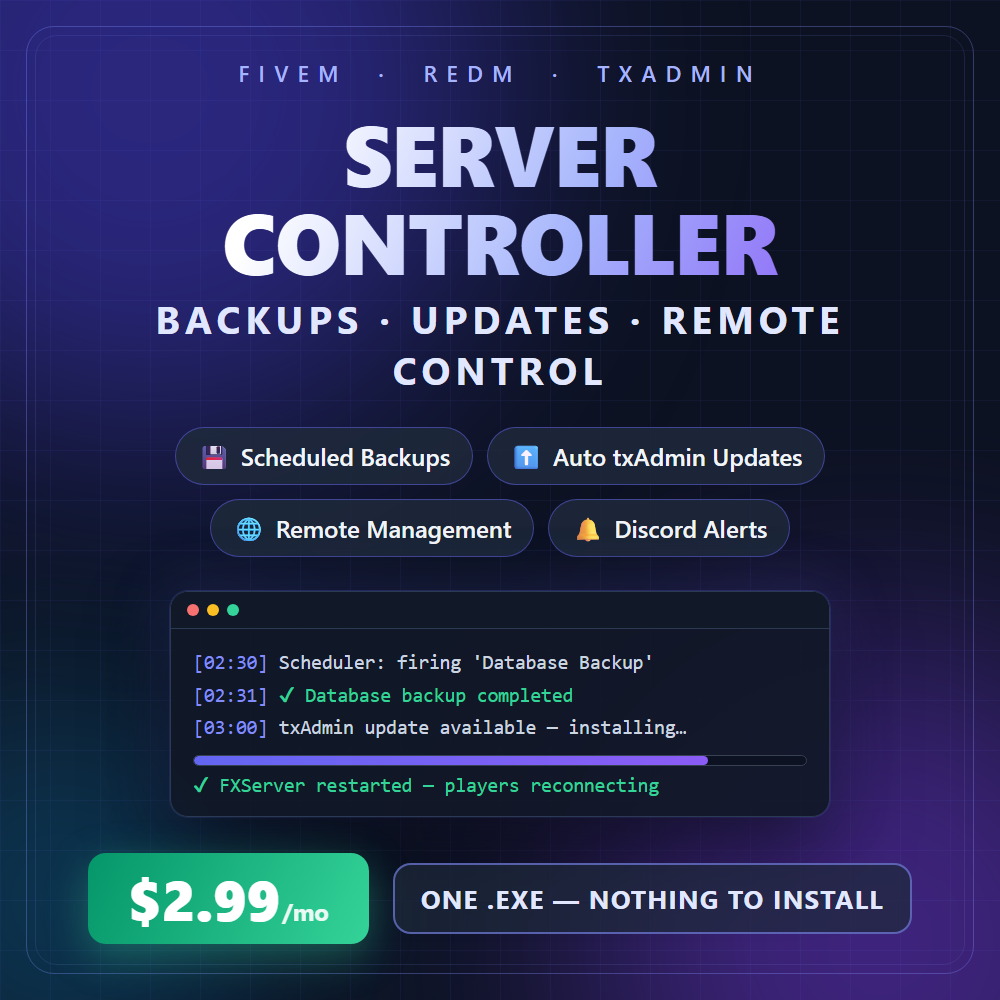
Your server, on autopilot. One standalone Windows app that backs up, updates and manages your FiveM or RedM server. No resource, no server.cfg edits: just run ServerController.exe on your server machine. Works with every framework, because it runs beside your server rather than inside it.
Start free. Upgrade when you want it to run itself. The free version covers running and protecting your server by hand. The paid version adds everything that happens while you are not there. It is the same download, so upgrading keeps your setup: press Activate and the locked features switch on.
Free vs paid
| Feature | Free | Paid |
|---|---|---|
| 📊 Live dashboard: server status, CPU/RAM/disk, activity log | ✅ | ✅ |
| ▶️ Start, stop and restart your server | ✅ | ✅ |
| 💾 Database backups (mysqldump) with one-click restore | ✅ on click | ✅ |
| 📦 Server file backups with per-folder exclusions | ✅ on click | ✅ |
| ⬆️ txAdmin updates: backup, download, extract, restart | ✅ on click | ✅ |
| 🧭 Database setup wizard | ✅ | ✅ |
| 🕒 Automatic schedule: overnight backups and txAdmin updates | — | ✅ |
| ⬇️ Download backups off the server, or collect every new one automatically | — | ✅ |
| 🔔 Discord alerts for backups, updates, server events and failures | — | ✅ |
| 🌐 Remote control from your home PC, with a connected-device list and per-device PINs | — | ✅ |
| 🖥️ Several servers from one window — Dev, Staging and Live on one machine, each with its own folders, ports, schedule and alerts | — | ✅ |
Three ways to get it. Free: download it and open it — there is nothing to activate. Monthly: $2.99/month, cancel any time. Lifetime: $14.99 once, with every future update. Both paid options unlock the same features, and both are included in POGGY ALL ACCESS.
Activation (paid): your licence is a Discord role, so there is no key to lose. Join our Discord with the account you buy on, press Activate in the app, and it unlocks in seconds. Rather not sign into Discord on a shared server box? Type a short code at poggy.app/activate from your phone instead, or have our bot DM you a PIN. Activate it on any of your own machines. If a licence ever lapses, the app keeps working as the free version.
Requirements: Windows (Windows Server supported, WebView2 auto-installs), MySQL client tools for database backups, 7-Zip for txAdmin updates. The paid version also needs a Discord account in our server.
Delivery: instant download of ServerController.exe (v1.3.1). Portable: settings live in %APPDATA%, so updates never lose your config.
Questions about Server Controller
Is it a server resource?
No. It is a Windows program, ServerController.exe, that runs beside your server. There is no resource to add and no server.cfg edit, so it works with every framework on FiveM or RedM.
What is the difference between the free and paid versions?
The free version covers running and protecting your server by hand: start, stop and restart, database and server file backups whenever you click, restoring any backup, txAdmin updates, the database setup wizard and the live dashboard. The paid version adds everything that happens while you are not there: the automatic overnight schedule, downloading backups off the server, Discord alerts, and remote control from another PC. It is the same download, and upgrading keeps your setup.
What does it back up?
Database backups with mysqldump, with retention and one-click restore, and server file backups with per-folder exclusions. The free version makes them when you click; the paid version also runs them on a schedule, copies them off the server and reports each one to Discord.
How does the txAdmin update work?
Backup, download, extract and restart in one step. The free version runs it when you click; the paid version can run it on the overnight schedule. The tool is kept current as FiveM artifacts, txAdmin and Windows change.
Can I manage the server from home?
With the paid version, yes. Run the same exe at home and control everything over the network, protected by an auth key, an IP whitelist and optional per-device PINs. The dashboard shows server status, CPU, RAM and disk, an activity log and progress for every operation.
How is it licensed?
The free version needs no licence: choose Continue Free when the app opens. For the paid version, activation is a Discord role, so there is no key to lose. Join the Discord with the account you buy on, press Activate in the app, and it unlocks. You can activate it on any of your own machines. If a licence lapses, the app carries on as the free version.
Which frameworks does Server Controller work with?
Server Controller runs beside the server rather than inside it, so it works with any FiveM or RedM server regardless of framework. It requires Windows (Windows Server supported), MySQL client tools for database backups, 7-Zip for txAdmin updates, and for the paid version a Discord account in the Poggy Discord server.
How is Server Controller delivered after I pay?
Instantly. Checkout runs through Tebex, which asks you to sign in with your Cfx.re account before items can be added to the basket, and the licence is tied to that Cfx.re account rather than a key to paste.
Does Server Controller get updates?
Yes. It runs on Poggy, a live RedM server, and updates are included with every licence. Support is in the Poggy Discord.