
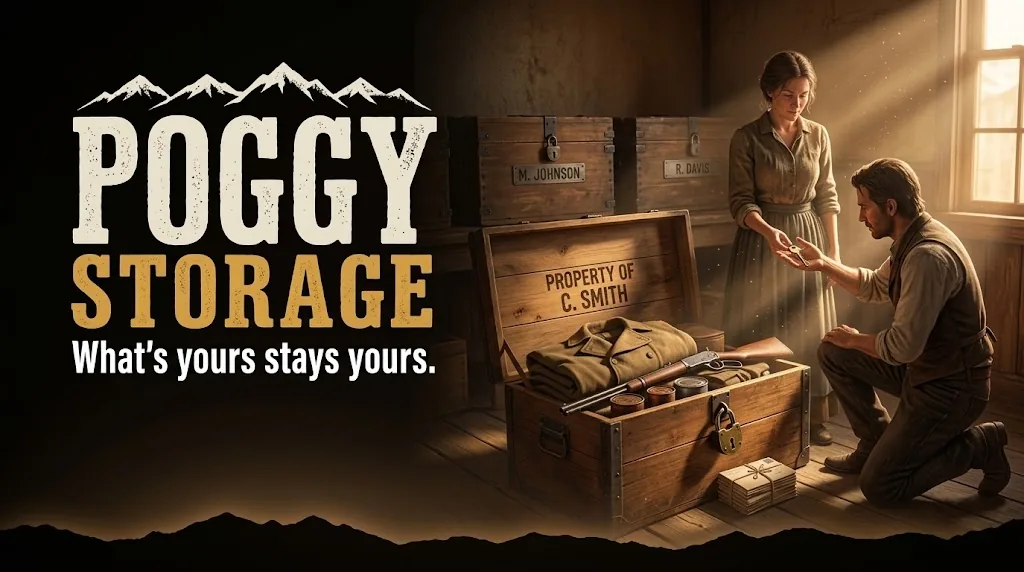
Poggy Storage
A free RedM player storage script for VORP Core, RSG Core and QBCore RedM: players buy a storage where they…
Price
Free
The free, open-source core every Poggy script runs on, for VORP Core, RSG Core and QBCore RedM: automatic updates with config merging, tables created on start, account bans with a shared anti-cheat ban network, and one API for your own scripts.
Documentation → Guide: Using Poggy Core in Your Own RedM Scripts →
 1 / 6
The free, open-source RedM framework core that every Poggy script runs on, for VORP Core, RSG Core and QBCore RedM: it installs each script's updates, merges your config, creates the database tables, and adds account bans with a shared ban network against cheaters. Script authors get one API for all three frameworks.
poggy_core/update_backups/ first.AutoUpdate and ApplyOnStart to false, then install with poggycore update all apply.Each Poggy script's tables, columns and indexes are created when it starts, on MariaDB and MySQL 8. Nothing is dropped.
/poggy, the console (poggycore ban 12 7d combat logging) or a script such as Poggy Tickets./poggy, and poggycore banallow lets one blocked player into your server./poggy opens a settings hub with a card for every Poggy script: settings, lists, commands and help pages. It edits the script's own config.lua in place, backs it up and records who changed what./poggy → Poggy Core → Theme./poggyui lets each player set screen size (50% to 200%), a light look and less motion for themselves.| Command | Who | What |
|---|---|---|
/poggy | Admins | The settings hub. |
/poggyui | Everyone | Screen size, look and motion for yourself. |
poggycore | Admins, console | Framework, version and what it can do. |
poggycore update [name|all] [apply] | Console | Check or install updates. |
poggycore ban / unban / baninfo | Admins | Ban, lift, look up. |
poggycore bannet | Admins | The ban network's status on your server. |
Poggy(verb, payload), for characters, money, jobs, inventory, storage, notifications, callbacks, menus, text inputs, prompts and permissions.add_ace resource.poggy_core command.refresh allow and add_ace resource.poggy_core command.ensure allow (and the same line for command.start and command.stop) so it can restart what it updates.When the server starts, every Poggy script with a newer published version is installed, its config merged, and the script restarted. Tables are created or upgraded when a script starts, so there is no SQL to import.
No. Settings an update adds are added and settings it removes are cleaned up, but every value you changed is kept, and the original file is backed up in poggy_core/update_backups first.
Yes. Set AutoUpdate and ApplyOnStart to false in poggy_core/config.lua. poggy_core then only lists what is available in the console, and poggycore update all apply installs it.
A ban you mark as cheating is shared as one vote with other servers running poggy_core, and a player with votes from 3 servers is refused on all of them that enforce the network. Rule-break bans never leave your server, and only scrambled identifiers and your player count are shared. It is on by default, and sharing and refusing can each be switched off in /poggy.
No. The connect check reads memory only. If the database or the ban network cannot be reached, nobody is refused because of it.
Yes, and it costs nothing. Load @poggy_core/template/poggy.lua as your first shared script and call Poggy(verb, payload) for money, items, jobs, storage, notifications, menus and text inputs. The developer guide walks through a first script.
Poggy Core works with VORP Core, RSG Core and QBCore RedM through poggy_core, which detects the framework at runtime and has a proven adapter for each, so there is one build and nothing to configure. It requires Your framework (VORP Core, RSG Core or QBCore RedM); oxmysql for scripts that use the database. No vorp_menu or vorp_inputs needed..
It is free. Add it to your basket, check out through Tebex at no charge, and download it from your Tebex account. Support is in the Poggy Discord.
From people who own Poggy Core, checked against our purchase records.
No reviews yet.
Own this script? Sign in with the Discord account you bought it with to leave a review.
Sign in with Discord
A free RedM player storage script for VORP Core, RSG Core and QBCore RedM: players buy a storage where they…

A free RedM ticket and report system for VORP Core, RSG Core and QBCore RedM: players ask for help with one…

A free RedM skillcheck script: a Dead by Daylight style ring with a turning needle, where the player presses…