

Poggy Badge Props
A RedM badge props pack: 37 badge models and five cloth armbands, made for Poggy Badges. Every badge is…
Price
$14.99
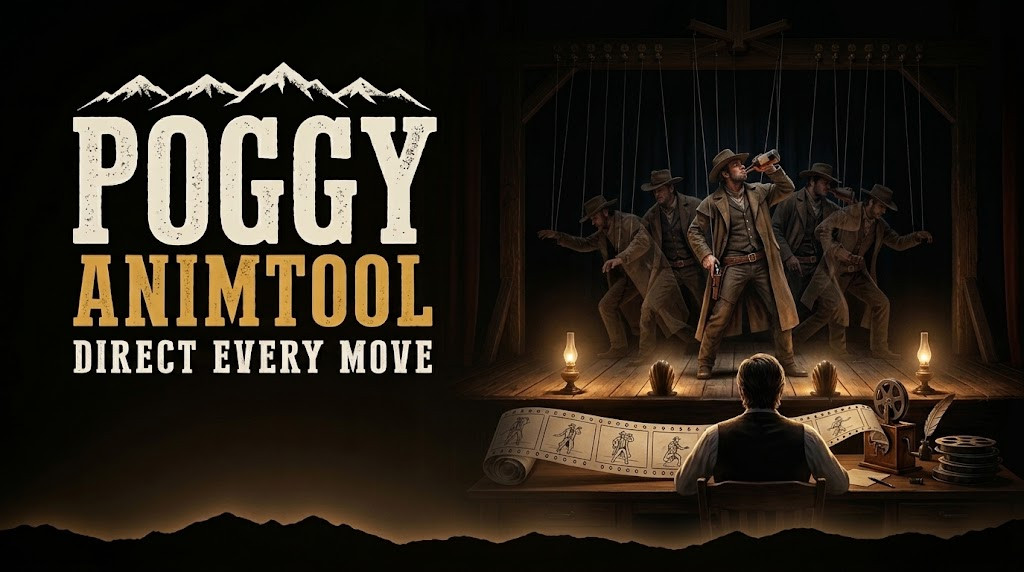
An in-game timeline editor for RedM staff: chain clips from over 40,000 animation dictionaries, attach props with keyframed position and rotation, preview on your own character, and export a Lua scene any resource can play with the bundled ScenePlayer.
 1 / 6
A RedM animation scene editor for staff on VORP Core, RSG Core and QBCore RedM: chain animations from over 40,000 dictionaries on a timeline, attach props from over 20,000 models with keyframed position and rotation, preview it on your own character, and export a Lua scene your own scripts can play.
/animtool. Only people you allow can open it.+, or drag it onto the timeline to use it.K keys the current pose.? for every shortcut.scene_player.lua, with that resource. The export dialog hands it to you, and it is readable source.ScenePlayer.playOnce(PlayerPedId(), scene) plays it once and cleans up the props.ScenePlayer.new gives you play, pause, seek, stop, speed, loop and a finish callback. destroy() stops the animation and deletes its props.| Command | Who | What |
|---|---|---|
/animtool | ACE command.animtool | Opens the editor, or closes it. Anyone else gets no reply. |
Give access in server.cfg, for example add_ace group.admin command.animtool allow. Admins who already have the ACE command have access. There are no other settings.
client/scene_player.lua is open so you can ship it in your own resources. The editor is protected by Cfx escrow.The RedM animations guide explains dictionaries, clips, scenarios and props on bones.
poggy_core checks for new versions of AnimTool and installs them for you.
Server developers and staff. /animtool needs the ACE command.animtool, for example add_ace group.admin command.animtool allow in server.cfg, so only the people you allow can open it. Players only ever see the scenes you export.
Export the scene as a Lua table and ship the bundled scene_player.lua runtime with your resource, loaded before your script. ScenePlayer.playOnce(PlayerPedId(), scene) plays it once; ScenePlayer.new gives you play, pause, seek, stop, speed, loop and a finish callback.
Props from more than 20,000 object models, attached to one of 59 bones on your character or to another prop, with scale, keyframed position and rotation, and in and out points on the timeline.
On each staff member's own PC, not on the server. Export and import project JSON to move a project to another PC or share it with your team. Unsaved work is kept and offered back the next time the tool opens.
No. scene_player.lua is left readable so you can ship it inside your own resources. The editor itself is protected by Cfx escrow.
Poggy AnimTool works with VORP Core, RSG Core and QBCore RedM through poggy_core, which detects the framework at runtime and has a proven adapter for each, so there is one build and nothing to configure. It requires poggy_core 0.27.0 or newer (free) and your framework (VORP Core, RSG Core or QBCore RedM); no database and no framework functions used.
Instantly. Checkout runs through Tebex, which asks you to sign in with your Cfx.re account before items can be added to the basket, and the licence is tied to that Cfx.re account rather than a key to paste.
Yes. It runs on Poggy, a live RedM server, and updates are included with every licence. Support is in the Poggy Discord.
From people who own Poggy AnimTool, checked against our purchase records.
No reviews yet.
Own this script? Sign in with the Discord account you bought it with to leave a review.
Sign in with Discord
A RedM badge props pack: 37 badge models and five cloth armbands, made for Poggy Badges. Every badge is…

A skill-based RedM fishing script with 28 fish across 34 waters: players cast, tug the line to hook a fish…
Real wooden signs your players type on, right in the game. Write the words, pick the board and the paint, and…